Train Smart.
Schedule Smarter.
We’re committed to giving every client the best possible training experience. To make sure your workouts run smoothly, use the our App to schedule, and manage your training sessions.
We’re committed to giving every client the best possible training experience. To make sure your workouts run smoothly, use the our App to schedule, and manage your training sessions.
You can schedule every training session directly through the app. This ensures your coach is prepared and your spot is saved.You can schedule a session up to 30 minutes before the start time.
You must cancel at least 1 hour in advance using the app.
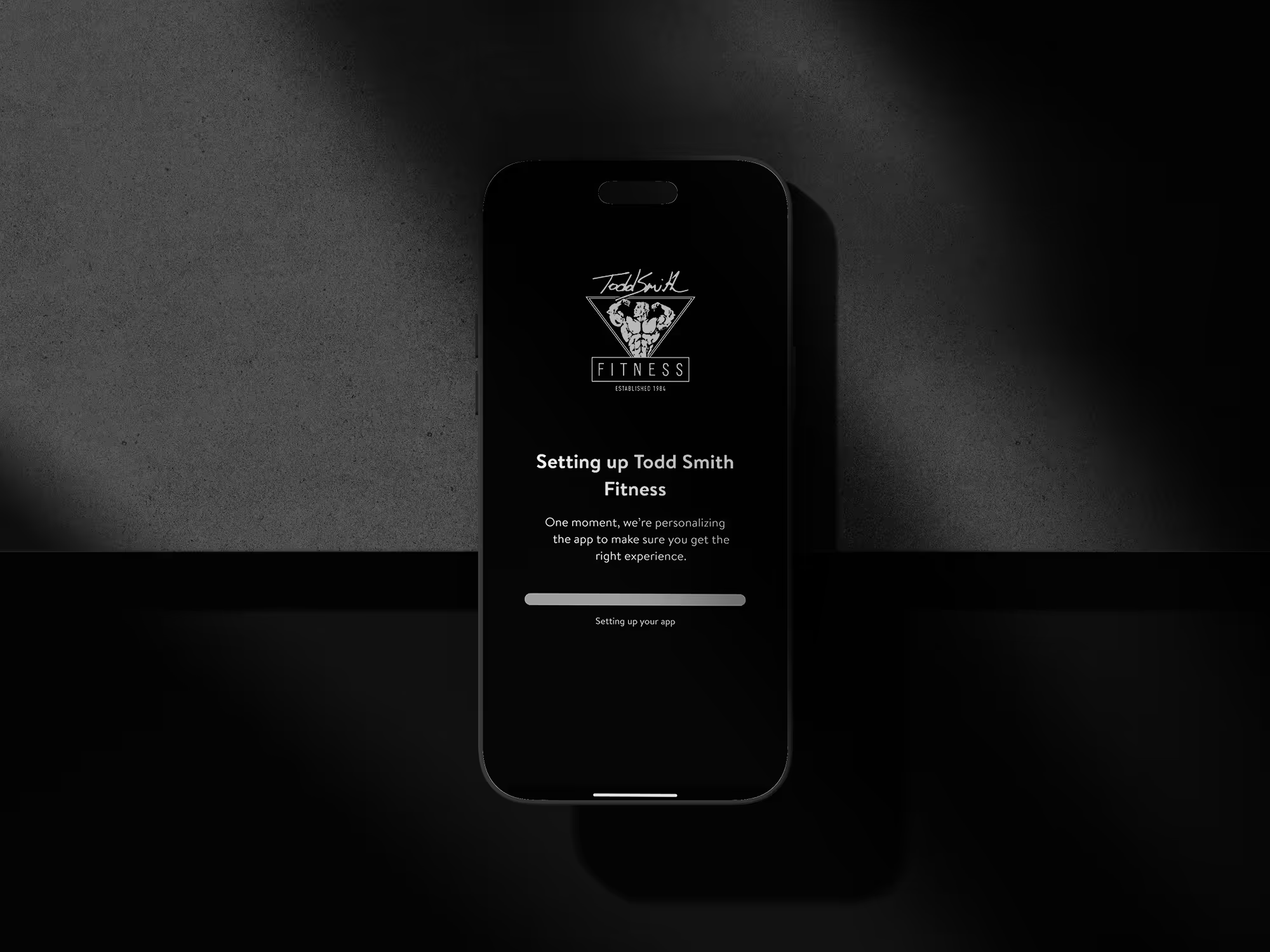
To help us prepare equipment, coaching, and space always book based on the workout/body part you plan to train.
Here’s how to do it the right way.
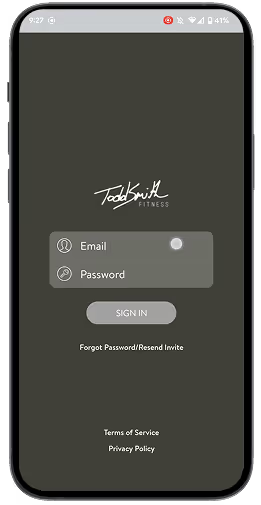
Open the Todd Smith Fitness app and log in with the email and password you created from your intro email.
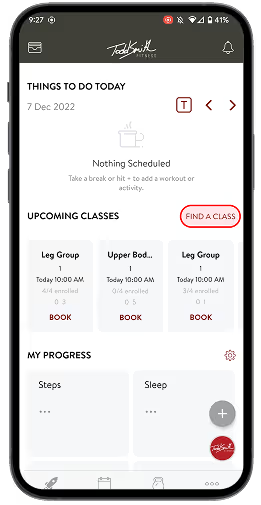
Tap Find a Class to see all class time and session group available that fits your schedule (must be at least 60 minutes in advance).
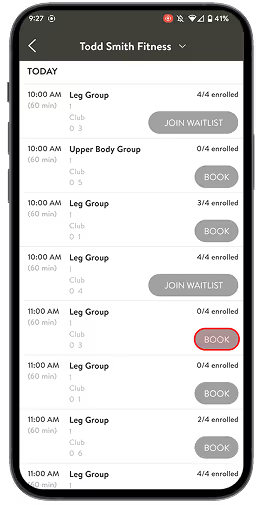
Scroll to the session you want, and select Book.
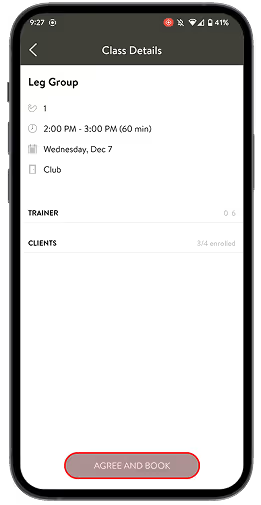
Make sure there’s an open client spot, then tap Agree & Book to confirm your workout.
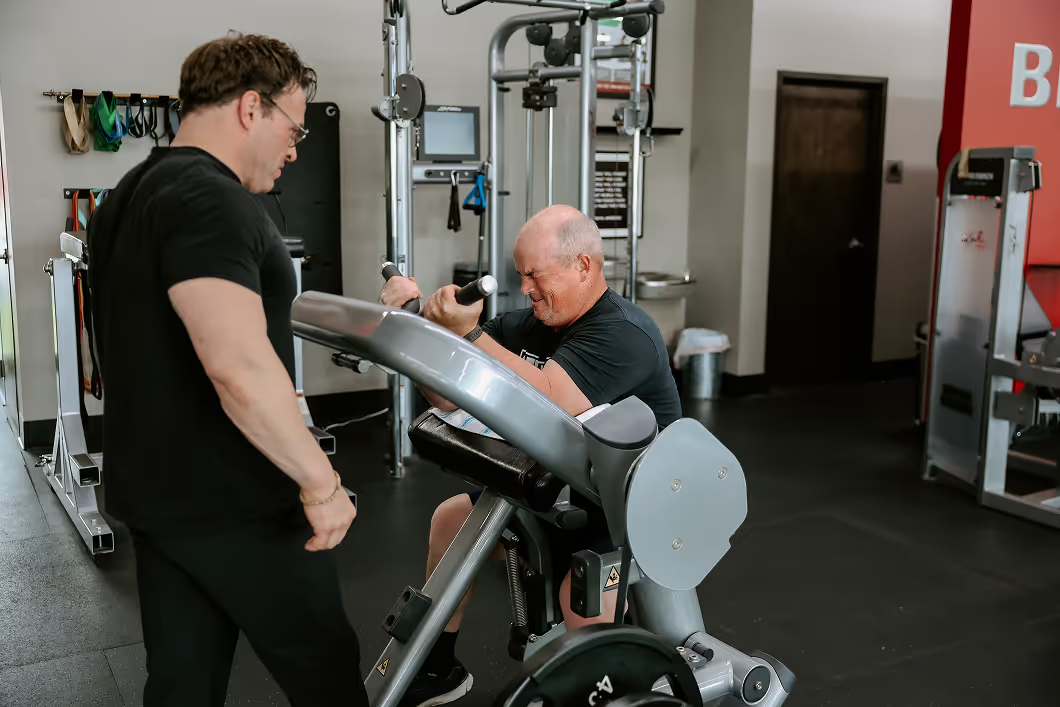
Monday & Tuesday
Upper Body
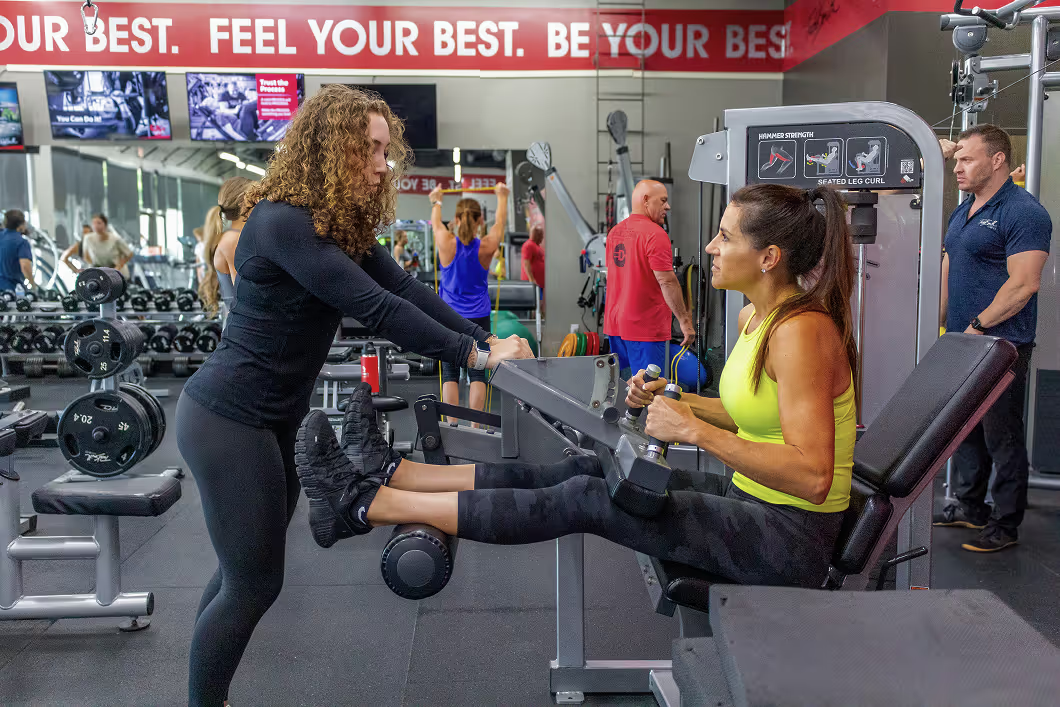
Wednesday
Legs
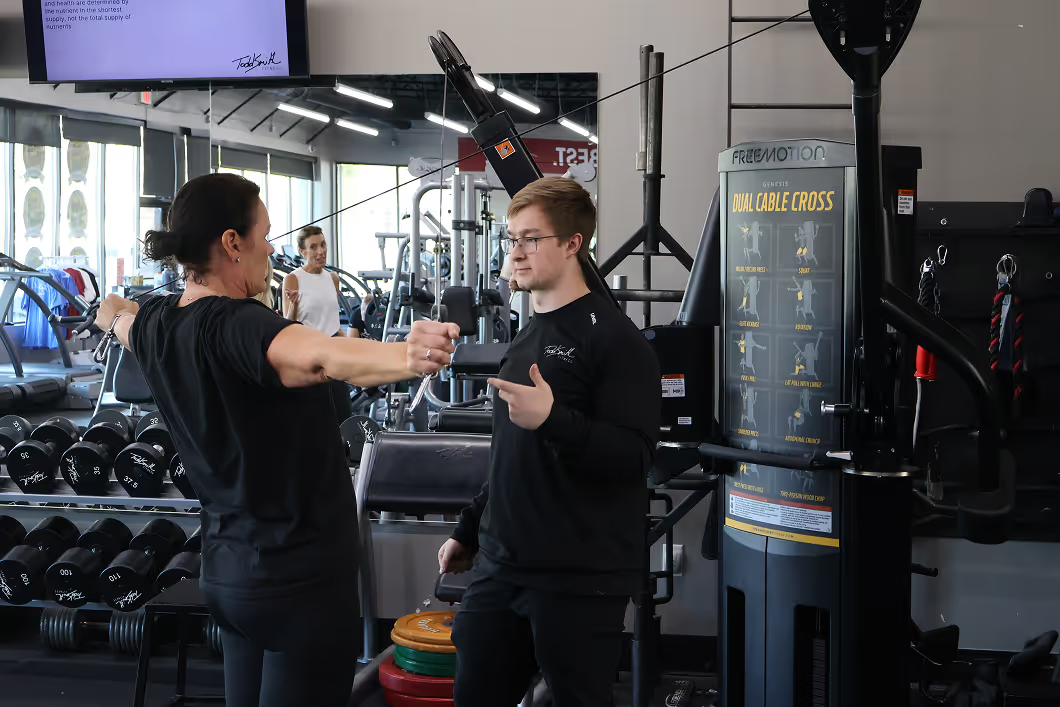
Thursday – Saturday
Shoulders/Arms or Legs or Upper Body
We all know sometimes our day doesn't go quite as planned.
If you need to cancel or move a session, here’s how to do it the right way so we can keep the schedule running smoothly for everyone.
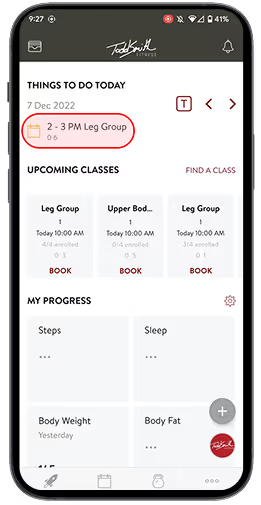
Scroll to the date of your next appointment in the top right corner.
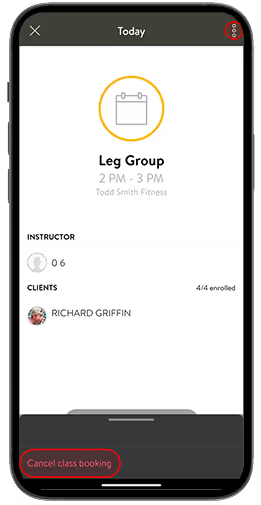
Tap the three menu dots next to your booked session.
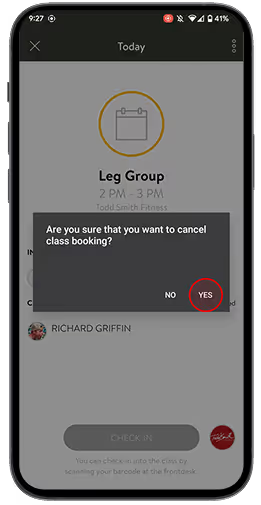
Confirm the cancellation in the pop-up that appears.
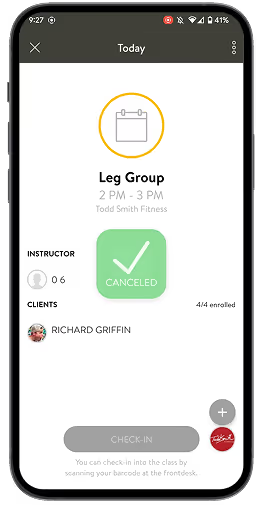
You are now free to reschedule your workout with a new booking.
Using the app ensures accuracy, prevents double-booking, and helps us prepare the right equipment and coaching for your session. It also minimizes interruptions during training hours so we can stay focused on clients.
No — please use the app or in an emergency text only the gym line: (402) 998-5400. Trainers are often in sessions and cannot respond right away. The gym line keeps everything organized in one place.
You can book up to 30 minutes before the session starts, as long as space is available.
You must cancel at least 1 hour before your scheduled session through the app.If the cancellation window has passed, text the gym line. Please allow 2 hours for a response.
Text the gym line immediately (402) 998-5400. Please note: late cancellations may impact your session credits depending on your membership.
Always choose the body part/workout you intend to train. This helps us plan better and ensures a smoother training flow.
Join the waitlist in the app. If you need help or want to check availability, text the gym line — but please allow time for a reply.
If you need to train something different from our weekly structure, contact us 24 hours in advance so we can see if it’s possible.
Our schedule is structured for balanced progress:
Mon–Tue: Upper Body
Wed: Legs
Thu–Sat: Shoulders/Arms or Legs or Upper Body


TSF Newsletter
Biweekly: what's actually working right now in training, recovery, and nutrition — from the TSF coaching staff.
Thanks for joining the list.